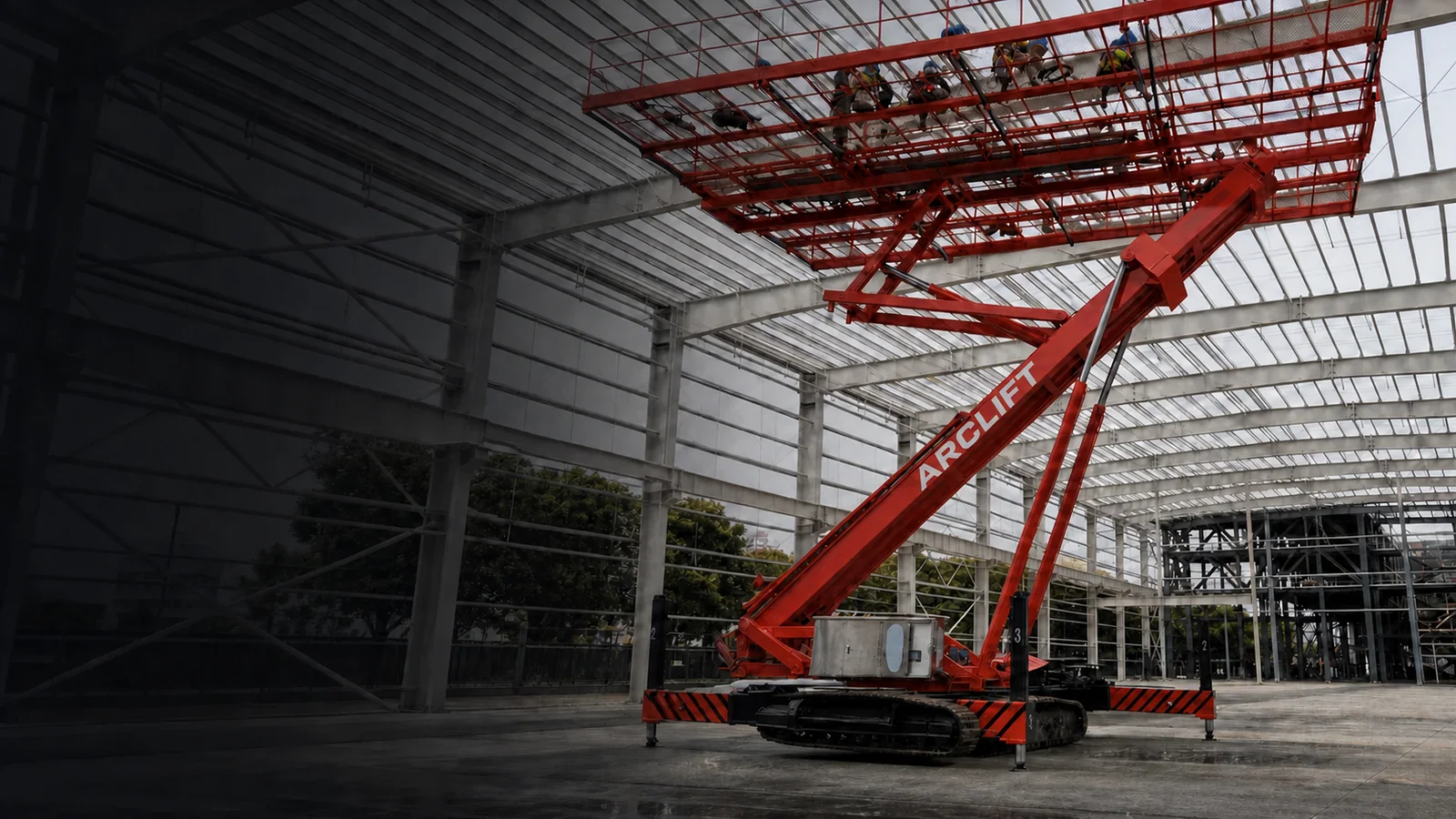
Remote control changes the operator’s location; it does not make an aerial platform safe by itself. A workable plan defines who holds control, where that person stands, what they can see, how people and traffic are excluded, how movements are communicated, what happens after a lost signal or stop, who can use ground controls, and how rescue is practised. The exact functions and permitted operating states must come from configuration-specific instructions. This guide helps buyers and site teams evaluate the control interface without claiming that a handset removes entrapment, collision, overturning, fall, or floor risks.
Contents
- Define what remote control must accomplish
- Design the control zone and communication
- Connect normal operation to emergency response
- Identify unsafe assumptions and not-fit cases
- Build the remote-control work package
- Close the plan and FAQs
Define what remote control must accomplish
Name each controlled task
List the movements proposed for remote control: unloading, travel, turning, positioning, setup, leveling, raising, lowering, or another specific function. Do not assume that every function shown on a controller is permitted in every machine state. Confirm authorized operations, interlocks, travel states, speed modes, range conditions, and emergency behavior in the signed instructions.
The reason for remote control should be explicit. It may allow the operator to choose a better viewing position for a tight turn, observe clearance during setup, or stand away from a particular moving interface. The selected position can also create new blind spots or expose the operator to traffic, pinch zones, overhead movement, or the machine’s path.
Keep one person clearly in control
Define control handover, controller custody, authorization, and prevention of unintended operation. The crew should know who may command movement, when control transfers, and how the machine is made safe during an interruption. Avoid informal handoffs and ambiguous signals.
The crawler platform buyer’s guide connects controls to access, floor, power, and rescue. The ceiling-platform project-data guide provides the wider site-input framework.
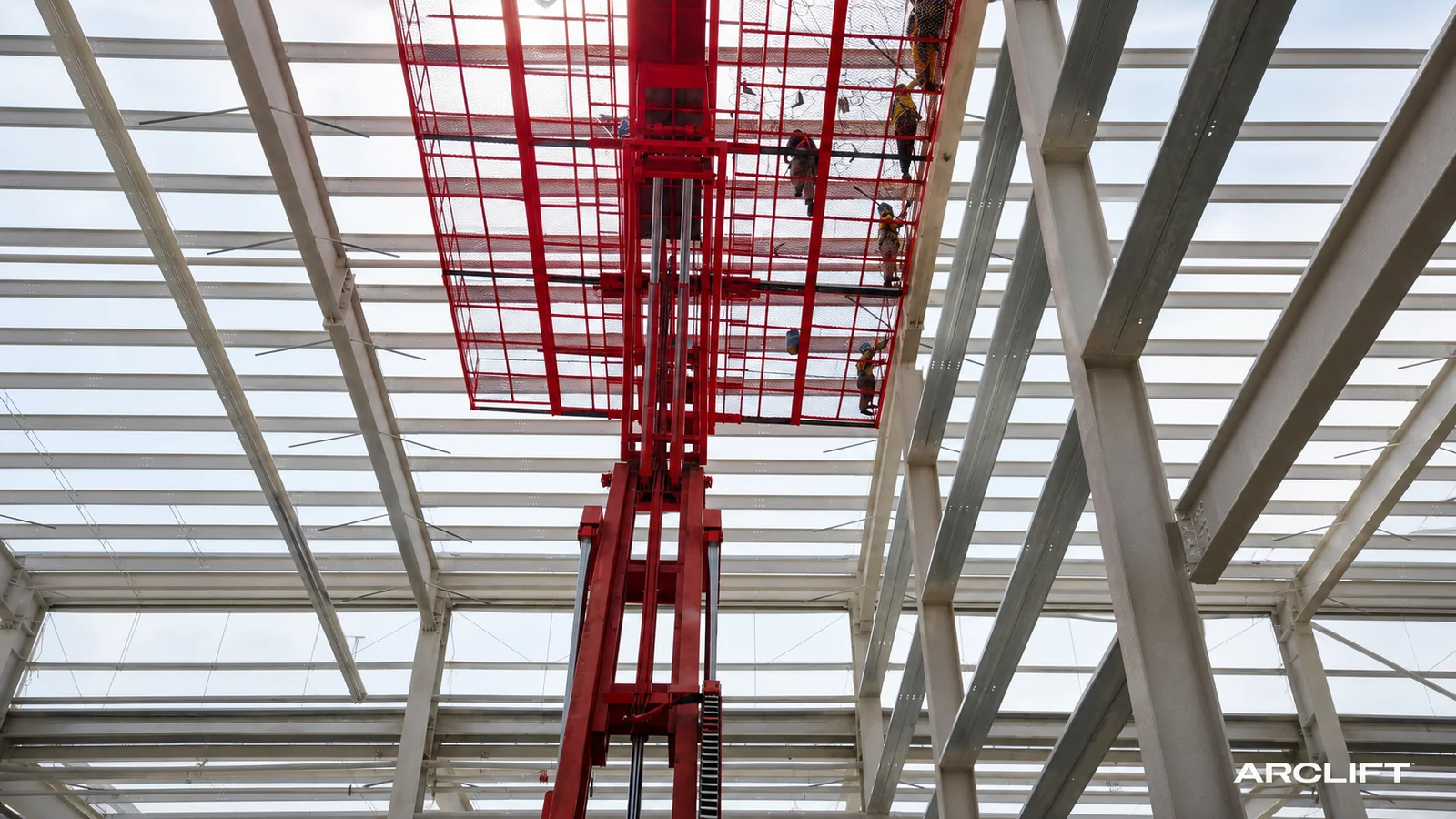
AI-assisted editorial composite. It illustrates a general control context and cannot prove a controller, signal performance, safety function, authorized movement, or site result.
Design the control zone and communication
Choose the viewing position by movement
Walk every planned movement and identify the required view: front clearance, rear swing, track or wheel path, overhead structure, stabilizer location, platform position, people, and nearby vehicles. One standing point may not provide all views. Define when the operator moves, when the machine stops, and when a spotter is required.
OSHA tells aerial-lift users to inspect work zones for holes, unstable surfaces, inadequate ceiling height, overhead services, obstructions, hazardous atmospheres, and people nearby. It also says not to exceed load and reach limits or override safety devices. See the OSHA aerial-lift guidance. Remote operation remains inside that wider hazard review.
Establish the exclusion zone
Mark the machine path, turning and tail-swing areas, stabilizer envelope, potential fall zone, platform path, and operator position. Separate pedestrians and vehicles where possible. Prevent the operator from being forced backward into an aisle or toward an edge while watching the machine.
In warehouses and active buildings, coordinate with traffic controls and shift changes. OSHA’s pedestrian-traffic guidance recommends separating equipment and pedestrians where possible, walking cluttered routes, using spotters for blind areas, and maintaining a clear view. Those principles help structure the route even though the selected platform has its own instructions.
Use a closed communication loop
Agree signals for start, stop, direction, clearance, and emergency. The operator should receive an unambiguous confirmation before movement when a spotter controls a blind interface. Stop if communication is lost, instructions conflict, or any person enters the controlled area. Radio availability does not replace agreed phrases and authority.
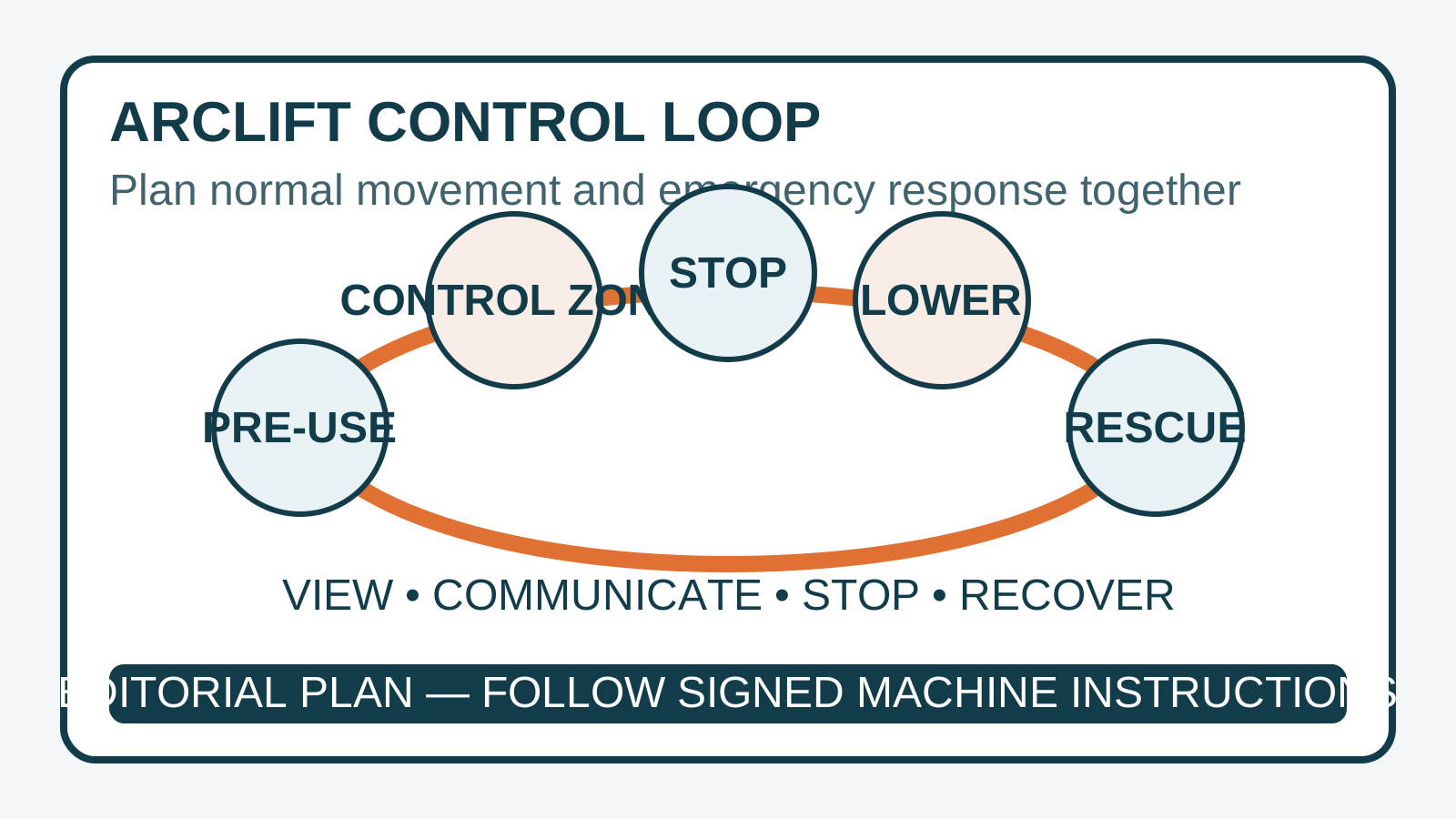
Editorial diagram. Tap to open the full-size editorial diagram. It organizes pre-use, control-zone, stop, lowering, and rescue questions; it is not an operating sequence for a specific machine.
Connect normal operation to emergency response
Test the stop and lowering logic
The work brief should explain what the machine is expected to do after normal release, commanded stop, emergency stop, lost communication, low power, or detected fault. These are configuration-specific behaviors, not category assumptions. Confirm which controls remain available and who can access them without entering another hazard.
The trade-off in choosing an external viewing position is that the operator may see the base route better while seeing the elevated work face less clearly. A worker on the platform may see overhead proximity but not the base path. The plan needs communication and stop authority that resolves this divided view.
Make ground controls reachable
HSE advises having and practising a rescue plan, with someone on the ground who knows what to do and how to operate the ground controls. Its MEWP guidance also highlights entrapment, overturning, falls, and collision. Do not park the base so ground controls are obstructed by racks, walls, materials, stabilizers, or exclusion barriers.
Identify the trained ground person for each shift. Confirm how that person communicates with the elevated occupants, approaches the controls, assesses hazards, and initiates lowering. Where normal lowering is unavailable, the project-specific rescue method should address the actual machine, height, structure, access, and destination rules.
Treat power and signal as operating conditions
Record battery state, charging and spare arrangements, controller inspection, pairing or key control, environmental restrictions, radio interference concerns, and the response to a damaged or unavailable controller. Never bypass an interlock or protective function to maintain production.
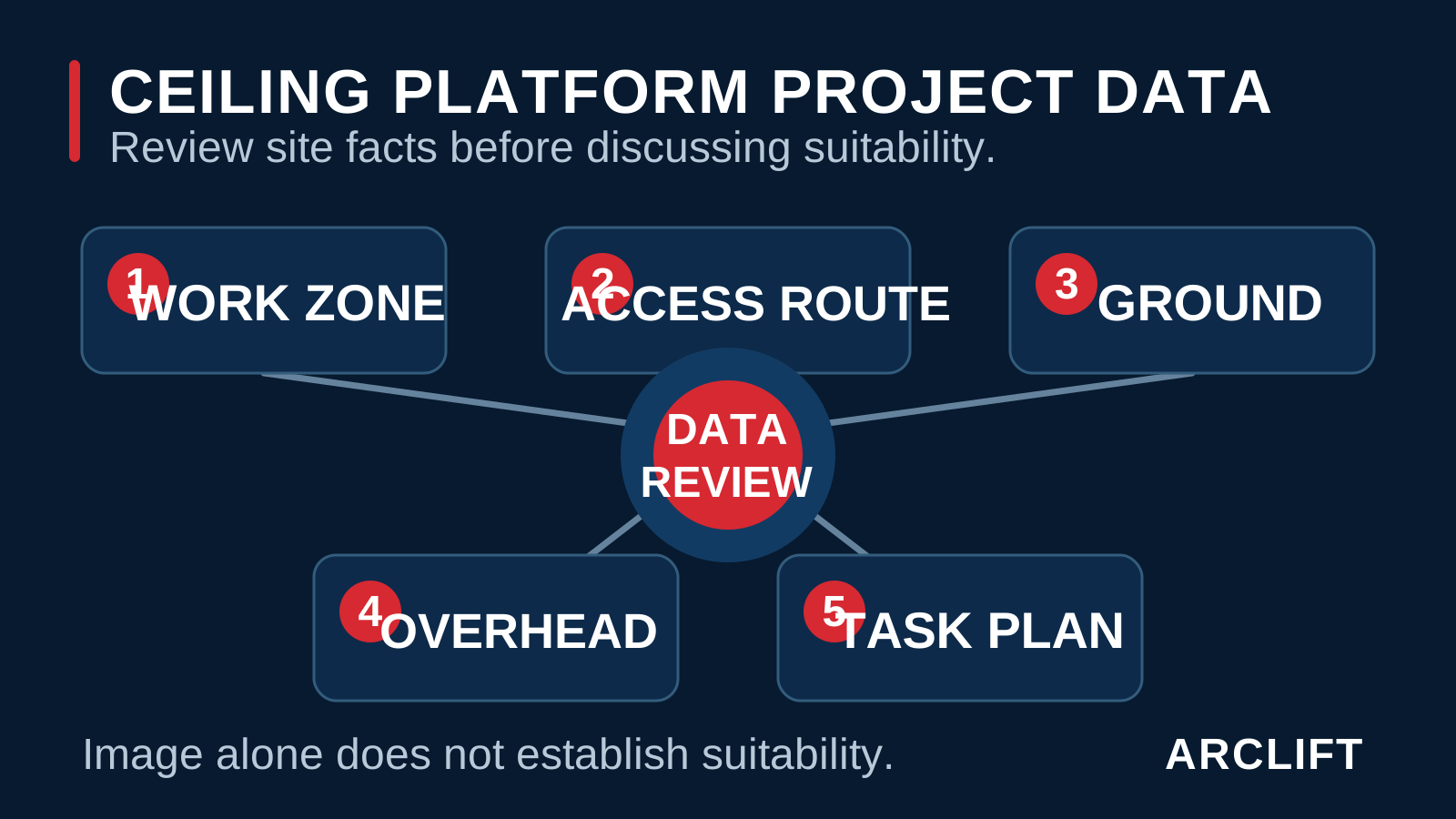
Editorial diagram. Tap to open the full-size editorial diagram. It is a planning aid and cannot confirm controls, emergency behavior, rescue access, or equipment suitability.
Identify unsafe assumptions and not-fit cases
Remote control may not fit every movement
Remote control may not fit when the operator cannot maintain the required view, no safe standing position exists, traffic cannot be excluded, signal conditions are unreliable, or the controller’s permitted functions do not match the intended task. A spotter cannot repair an unworkable route or unsupported machine state.
Stop if roles are unclear, multiple people can issue commands, the controller can be activated unintentionally, or ground controls are inaccessible. Do not proceed when operators are unfamiliar with the exact controls, emergency-stop response is unknown, or a rescue drill cannot be completed.
Do not transfer functions between configurations
A controller shown in an editorial image or another product record does not establish functions, range, protection class, redundancy, interlocks, or allowed travel. Ask for the current configuration’s operating information and verify it during handover and pre-use checks.
Remote control does not solve inadequate floor support, excessive slope, overhead entrapment, overloading, unauthorized elevated travel, missing guardrails, poor inspection, or local compliance. If the site relies on remote control as the only barrier against these hazards, the work method is incomplete.
Build the remote-control work package
Record normal and abnormal conditions
- Controlled functions, permitted machine states, speed modes, range conditions, and signed instruction revision
- Work-zone height, outreach, task position, roof or ceiling geometry, and overhead obstructions
- Access route, turning points, slopes, floor or ground condition, edges, covers, and protection
- Machine path, platform path, stabilizer or outrigger zone, operator position, and exclusion boundary
- Occupants, tools, material dimensions, task load, distribution, and authorized accessories
- Operator, spotter, elevated worker, ground-control person, supervisor, and rescue responsibilities
- Start, stop, direction, clearance, handover, lost-communication, and emergency signals
- Pre-use checks, controller inspection, key or pairing control, charging, spare, and storage arrangements
- Normal stop, emergency stop, lost signal, low power, fault, ground lowering, and recovery response
- Pedestrian and vehicle routes, doors, blind corners, shift changes, barriers, signs, and communications
- Destination training, documentation, inspection, work-at-height, radio, and acceptance requirements
- Rescue drill, emergency access, external assistance, incident reporting, and change-control triggers
Rehearse before production work
Walk the route at the planned time, establish barriers, practise communications, test normal controls according to the instructions, and rehearse the site rescue response without creating a new hazard. Record issues and repeat the review after route, machine, load, crew, or surrounding work changes.
Close the control and rescue interfaces
Send ARCLIFT the work-zone drawings, height and outreach needs, access route, floor information, task-load breakdown, intended remote functions, operator and spotter positions, power conditions, destination, and rescue responsibilities. As a technical selection and supply partner, ARCLIFT can organize configuration questions and identify the signed control data required for project review.
Frequently asked questions
Does remote control remove the need for a spotter?
No. The route and visibility review determines whether a spotter is needed. Remote control can change the operator’s viewpoint but cannot provide a clear view around every obstruction.
What happens if the signal is lost?
Only the specific operating information can define machine response. Confirm the behavior, stop rule, remaining controls, recovery method, and rescue implications before work.
Who should know the ground controls?
The site plan should name trained people available during the work. HSE specifically advises that someone on the ground know how to operate the controls and that rescue be practised.
Can a controller prove that elevated travel is allowed?
No. Permitted travel state, occupancy, load, surface, slope, speed, and other limits require signed configuration-specific instructions.
This article is safety-planning guidance, not an operating manual, training program, risk assessment, rescue method, or local authorization. Its AI-assisted composites and code-native editorial diagrams cannot prove control functions, signal reliability, machine response, or site suitability. Final operation requires competent planning, trained people, inspections, practised rescue, and signed project documents.