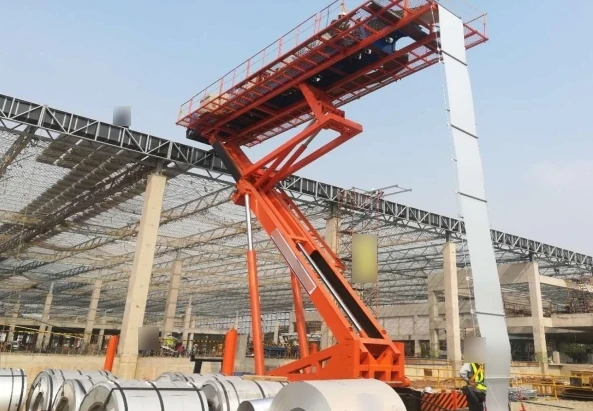
Count stations before you count functions. A local station and a remote station are two scopes until a sheet says which functions exist at each. “Full remote” is not a function list. Screen the height class while the list is blank. The wider control boundary is in the electrical interface guide. Where a person may stand is discussed in the remote-control safety guide.
Contents
- Count the stations you were offered
- Compare functions at each station
- A full-remote claim may not fit
- Station lines to attach
- FAQ
Count the stations you were offered
Name the place a person stands
Write local as the station fixed on the lift or the former, and remote as the station a person can carry. If you cannot point at a place, you do not yet have a station. ARC-T25 and ARC-C25 are 25m screens. ARC-RF8 is the former band 0.3–1.0mm. The class does not tell you where the operator stands.
Ask for functions, not adjectives
For each station, ask which motions the seller’s sheet actually names. Raise, travel, stop, and former start are examples of words you may copy if they are printed. If they are not printed, write unnamed. Do not upgrade unnamed to “all functions” because the brochure said full.
Say which machine the station belongs to
A station on the lift does not operate the former unless the sheet says so. Count stations per machine. Two machines on one slab can still be two local stations and no shared remote.
Keep the view in the same note
The operator must see the motion the station commands. If steel, a parapet, or a coil blocks that view, write the block. A remote that walks the person to a better view is only useful if the functions exist at that remote. If you have not checked the view, write unknown and measure on site.
Compare functions at each station
Put the stations on one table
| Station | Where the person stands | Functions the sheet names | If the sheet is silent |
|---|---|---|---|
| Lift local | On the machine, or unknown | Copy the words | Unnamed, not “all” |
| Lift remote | Carried, or not offered | Copy the words | Confirm on RFQ |
| Former local | On the former, or unknown | That seller’s words | Do not copy the lift |
| Former remote | Offered or not | That seller’s words | Silent is not included |
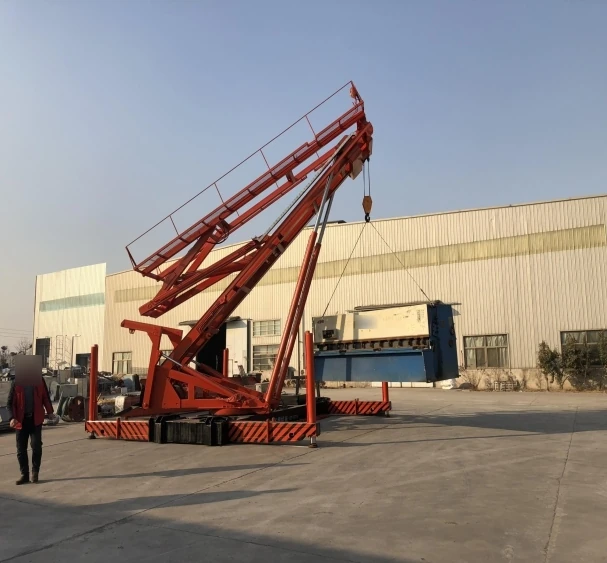
Reference photograph of a forming module beside a lift frame. It cannot list station functions.
Full is not a column
Strike the word full from the comparison until it is replaced by a list. Two offers that both say full can name different motions. The list is the only way to see the difference.
States matter as much as motions
Ask what the station can do while the machine is travelling, while it is forming, and while a stop is latched. If the sheet does not say, write unknown. Do not assume a remote repeats the local station in every state.
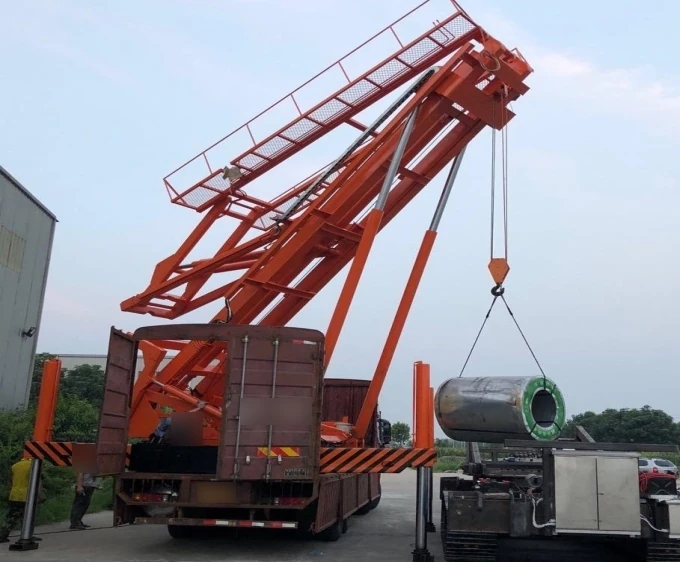
Reference photograph of coils beside the building. It cannot show who holds a remote.
A removed local station is a change of scope
If a seller drops the local station because a remote is included, that is an exclusion. Write it as excluded. The crew may still need the fixed station when the remote is down, unauthorised, or out of view.
The trade-off is one remote that sounds complete against a short list of motions you can actually compare. The limitation is that adjectives hide the list. The constraint is the view and the machine the station is allowed to move. The interface is the sheet that names functions per station. Without it, stop ranking remotes.
An anonymous offer sold “full remote” and removed the local station from the lift. The function list never arrived. At the outlet the operator could not see the former from the only place the remote was allowed to stand, and there was no fixed station left on the quote. The file that replaced it restored the local station as included unless excluded in writing, marked remote functions unnamed, and kept the 25m class as a height screen.
A second anonymous file gave the lift a remote and described it as the line remote. The former seller had quoted a local station only. The buyer compared two lift remotes and never noticed the former had no remote at all. The corrected table had four rows. The former remote row said not offered. That single cell changed which quotation was complete. Confirm on RFQ was the former row, not a second adjective on the lift.
A third anonymous comparison scored two remotes and learned nothing. Both covers said full. Neither listed a motion. One remote could travel the lift and could not start the former. The other remote named no motions at all and had been used to delete the fixed station. The buyer ranked them by which brochure looked newer. At the outlet, steel hid the former from the only place the remaining remote was allowed to stand, so the winning adjective still had no view. The table that replaced the ranking had a row per station, a column for named functions, and a column for the view. Unnamed stayed unnamed. The local station returned as included until a written exclusion removed it. 25m remained the height screen and did not award points.
Ask about state as well as motion. A station that works while the machine is standing may not be the station that works while it is travelling or while a stop is latched. If the sheet is silent, write unknown for that state. Do not copy the local list onto the remote, and do not copy the lift list onto the former. Two machines on one slab are still allowed to have different stations. Measure on site if you have not stood where the operator must stand. A photograph of the frame is not that standing place. Confirm on RFQ is the request for the list, not an apology for leaving full off the form.
Write the stations in the order a person can find them: lift local, lift remote, former local, former remote. Leave a station on the list even when it is not offered, so absence is visible. Next to each one, put the motions the sheet names and the state those motions apply to. If the sheet uses full and nothing else, copy nothing and write unnamed. If the view from that station is blocked, say what blocks it. A newer brochure is not a score. Two machines on one slab do not share a station by proximity. The height screen sits under the table, not inside it, so a move from 18.5m to 25m cannot be mistaken for a fuller remote. If a seller returns the word full again, answer with the blank function cells still blank and ask for the motions by name. Do not fill them from the other offer.
A full-remote claim may not fit
An adjective with no list
This comparison may not fit when both offers say full and neither lists a motion. Ask for the list. Do not score the adjective.
Local station deleted by accident
It may not fit when the remote line is used to remove the fixed station. Put the station back or mark the exclusion on purpose. The height class does not replace it.
One station described as both machines
It may not fit when the lift remote is also called the former remote. Split the rows. The machine without a sheet stays unnamed.
A view you have not stood in
It may not fit when the remote is accepted from a photograph that does not show the outlet. Measure on site who can see the motion. A station the operator cannot see from is not a completed scope.
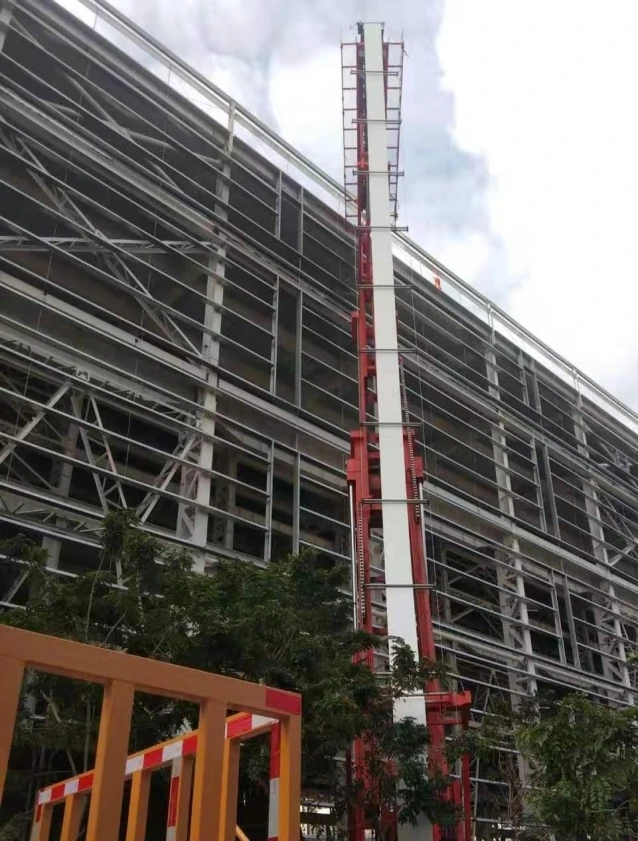
Reference photograph of a panel path. It cannot show a control station.
Station lines to attach
- Work height and the catalog class to screen
- Roof geometry and what blocks the outlet view
- Profile, material, and coil
- Wind if it moves where people may stand
- Floor or ground at each station
- Access to the place the operator must stand
- Outrigger or track footprint beside that place
- Destination country and any limit on the remote
- Transport of a portable station, separate from the machine
- Control functions named at each station, or unnamed
- Documents: the function list, or “none supplied”
Send the work height, the site, the destination, the transport split, the operator zone, and the floor at each station. The signed schedule is project-specific. Editorial images do not list functions.
Open ARC-T25, ARC-C25, or ARC-RF8. Request a quote, WhatsApp +86 15515922444, or leelogly120@gmail.com. The HSE MEWP guidance is a Great Britain note. It does not list the functions at your stations.
FAQ
What does full remote mean?
Nothing, until a sheet lists the functions at that station. Ask for the list.
Is the local station still required?
Keep it unless the offer excludes it in writing. A remote does not delete it by implication.
Does the lift remote run the former?
Only if the former sheet says so. Otherwise it is a lift station.
Can I compare two remotes without the lists?
No. You would be comparing adjectives. Wait for the words, and still send the height screen.